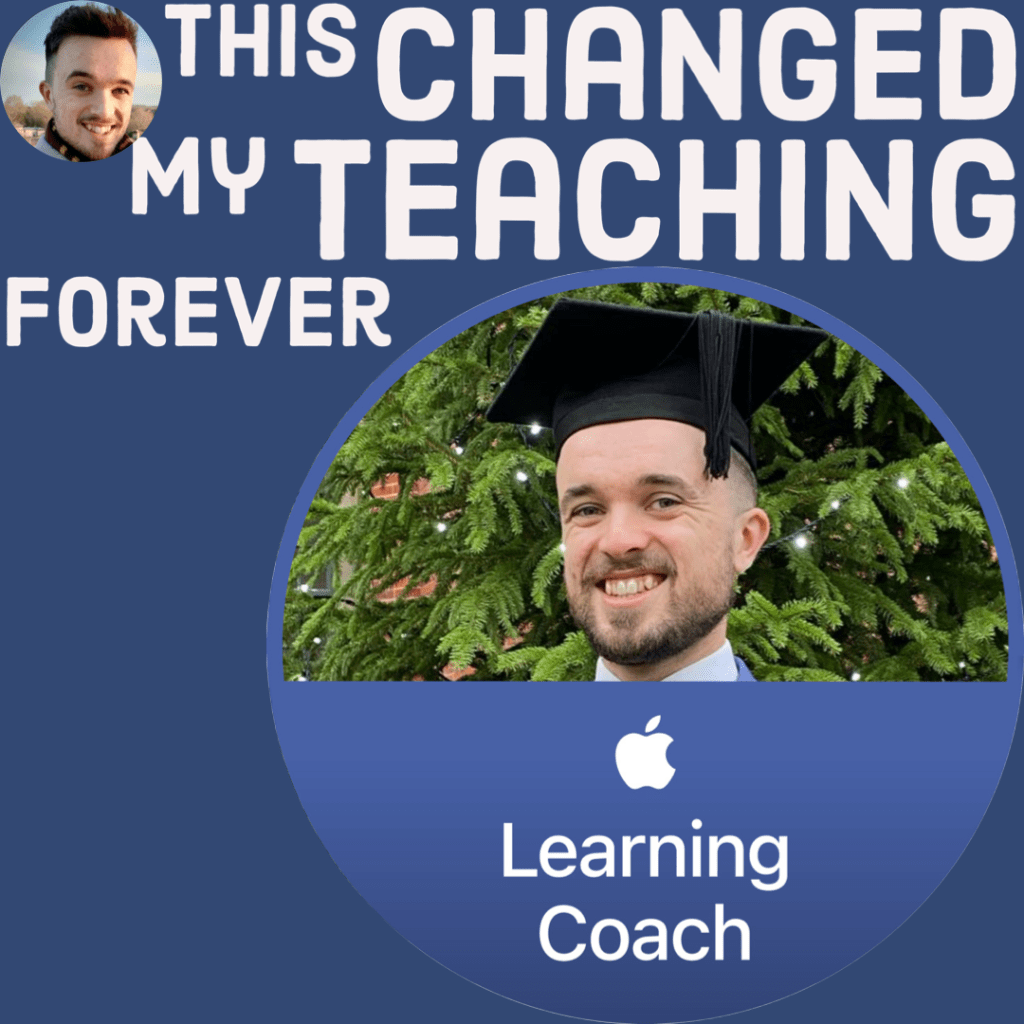
I was standing in the staff workroom when I received an email from one of our Deputy Headteachers. Her email didn’t leave me guessing: it was asking for a quick chat to see if I was interested in joining the Apple Learning Coach programme.
This is a prestigious programme for educators to up-level their skills with Apple products, with the goal being that you’re then ready to coach others. The programme offers bespoke resources that you can use alongside your coaching to help your colleagues in the classroom.
Why is this necessary? Can’t everyone use an iPad, especially at an Apple School? I hear you wondering.
Sadly, not everyone shares my love of using iPads as part of their job. Often, as my Master’s Thesis discovered, this happens as a result of perceived negativity towards the devices. Many teachers seem to think that they are a hindrance, rather than a help, in the classroom, and only exist to distract students.
Well, here I was, ready to prove them wrong.
Launching an Apple Learning Coach or two into your school can help to dispel those misconceptions by showing colleagues just how simple it is to transform a student’s learning with an iPad.
Here’s how the programme completely transformed my teaching.
(Not sponsored but, Apple, if you’re listening, I would gladly take a sponsorship)
Part I: Independent learning
The first obstacle to joining the Apple Learning Coach programme: it was 42-hours of work.
Um, wow. That’s a lot, I said to my Deputy Head. Thankfully, it could be used as one of my appraisal targets, which teachers use to measure their progress towards a pay rise each year, and that was enough to convince me.
The course commenced in September and gave me until the end of MAy to get a portfolio together. It would evidence all of the bits and pieces that I’d learned, and there’d be six modules in total. The first two were self-paced, leaving me to complete a series of activities in my spare time that helped me get more to grips with Apple’s stock apps.
I’m now a self-proclaimed expert when it comes to Numbers and Keynote, which I’d always wanted to try but had little reason. We’re a Google School, so I always used Slides for my presentations, but did you know that the Apple alternatives can be used as whiteboards, to collage or present ideas? Wild.
My favourites to learn more about were iMovie and GarageBand. GarageBand is probably viewed as the scariest app of all time in my school (we’re going to give children access to drums in a lesson?!), but I’ve found it to be the most useful. Instead of creating a newspaper report to summarise their learning about the start of WWI, which they did last year, they produced a podcast. It accomplished the same goal but did it in a different way, keeping my learning environment fresh and fun.
To learn the ropes of these apps, and to produce resources that I could reuse when coaching colleagues, we collated our ideas into creative projects. I used iMovie to edit together a two-minute video introducing me as a coach, and GarageBand to create a podcast which discussed the three types of attitudes that people tend to adopt when using technology: Staycationers, Adventurers, and Tourists.
Staycationers are happy with the state of their current pedagogies, but might be willing to try new things if you very clearly show them how.
The Tourist will try a few things but need some guidance on how to get there.
Adventurers are like me – they’ll dive head first into a new format for digital learning and be ready and able to show others the way. Understanding all three types of learners is crucial to being an effective coach, as you can’t simply adopt a one-size-fits-all approach to guiding someone with using Apple devices effectively. Strategies that you use to help Staycationers probably won’t work with Tourists.
The course didn’t reference learners who simply do not want to use digital technologies, which may have been an oversight, or it may have been because they simply wouldn’t be the types of people that you’d be expected to coach.
Part II: Two days of workshops
This was the really exciting part. I had two whole days off-timetable to jump onto a call with other Apple Learning Coaches from all over the country and collaborate to improve our coaching. You might remember that I love the idea of remote working, even if it doesn’t really make sense for teachers (unless you’ve taken up tutoring), so from a personal point of view, I was really looking forward to this part.
From a learning point of view, it was probably the most interesting part of the course. While I’d had to work on the first two modules by myself, modules three and four were collaborative, guided by the Coaching Team and involved multiple breakout rooms where we could discuss and level up our ideas. We were given the opportunity to practise what it’s like to be a coach based on some demo scenarios and offered feedback on everyone’s creative projects that I spoke about in Part I.
Even taking away the technology aspect, which I adore, I felt so much more prepared to do general coaching because of the coaching styles that the workshops introduced. Rather than being the guide in the coaching process, it’s so much more important to work with your coachee, understand what they want out of the process and to help them achieve their goals. You’re not telling the person what to do; you’re supporting them in getting there. You need to show that you’re actively listening by echoing ideas to check for understanding.
I’ll be mentoring an ITT student from September and this has only increased my confidence.
Part III: Wrapping it up
The final bit of learning from the whole process involved completing two more modules independently. These modules summarised my learning from the workshops and let me tidy up my creative projects based on feedback from modules three and four.
I then had more practise to do using demo coachees, but while applying the process to my own school context to ensure that what we were doing aligned with the school’s goals.
I hit submit at the start of the Easter break – just over a month before the final deadline – because I wanted to ensure that May was focused on helping my exam groups. Overall, I’d really recommend becoming an Apple Learning Coach. For someone like me, who adores technology in the classroom, it was a dream-come-true. Equally, if you count yourself as pretty anti-technology in teaching, it’s absolutely worth considering to see if getting a better understanding of your iPad could change your mind.
And if all you get out of the process is the knowledge of how to produce an iMovie, why not use that to curate resources to be sold on TES? I certainly have!
If I had to level one criticism at the course, it’s that I never had to apply my skills into the real world. I thought that for module six, I’d be expected to put together a coaching portfolio for a teacher in my school, but this wasn’t the case; it simply prepared me by giving me the skills to do this independently at a later date.
At my school, we follow a model of teaching that allows us to explain and model ideas before the kids do some dedicated practice. While we did certainly practise on the course, I think I’d have preferred being given time to do that with my colleagues. If that means extending the duration of the course, so be it. I believe that this would produce a better set of Apple Coaches.
Would you consider becoming an Apple Learning Coach? Do you see yourself as more of a Staycationer, Tourist or Adventurer? Let me know in the comments below.
If you liked that, you’ll love…
- Reclaim your evenings: A Busy Teacher’s Guide to Healthy Meal prep
- 16 incredible books to read in 2026
- How to actually achieve your goals in 2026: The Anti-Resolution toolkit
- The First 90 Days: How to survive (and thrive) as a new Head of History
- 7 Brutal Questions to Course-Correct your Life before 2026
Stay up to date with my socials:
Apple and the Apple logo are trademarks of Apple Inc., registered in the US and other countries
 Hardly Hamilton
4 thoughts on “Becoming an Apple Learning Coach changed my teaching”