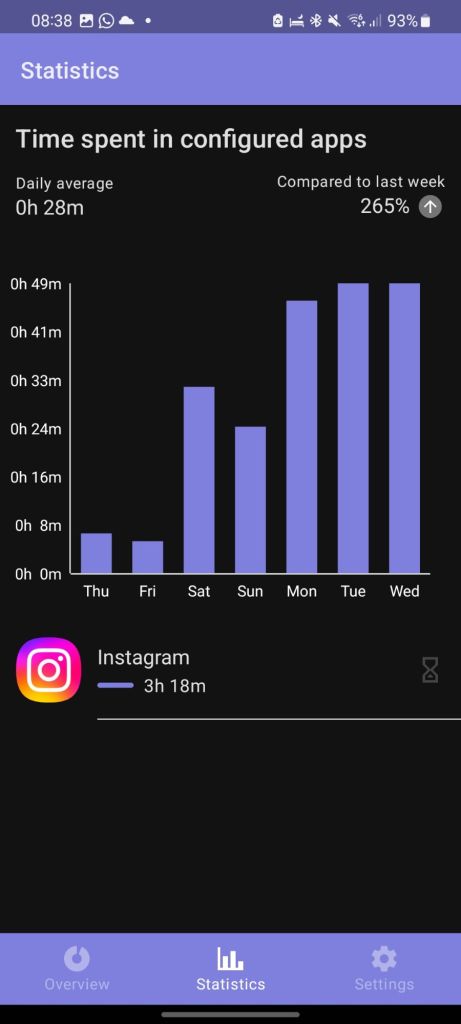
I came to a stark realisation about social media the other day. I was checking my screen time figures and discovered that I’d spent a depressingly high amount of time on Instagram over the past week: 3-and-a-half hours.
You’ll have had two different reactions to that figure.
- You think that I spend way too much time on social media
- You’ll be surprised that I only spent 3-and-a-half hours on Instagram across the span of a week.
Chances are, it’s probably the second one. Speaking to one of my students some time ago, they said that they had only spent 2 hours on Tik Tok the night before.
I’m sorry, what? In a single night?!
Clearly, social media addiction is becoming more and more of an issue in the world, and this issue manifests itself in a number of different ways. If you’ve been with me on this blog for a few years now, you’ll know that I want to be a fiction author. It’s my dream, yet I’ve still not accomplished it. Unlike full-time writers, my issue isn’t that I can’t find a publisher, or that I can’t get anyone to read my work. My issue is that I can’t seem to find the time to write.
Yet, I somehow found the time to scroll on social media for 3 hours last week? Something’s gone wrong there. I can write about 800 words in 20 minutes (the average length of one of my blog posts), so that’d be 2400 words an hour, or 7200 words per week. For an average novel that’s 80,000 words, that’d be one written every 11 weeks. All if I substituted social media for writing.
I’ve spent a lot of time considering what I could do to minimise my time spent on social media. I’ve written about it in the past and I’ve even applied my methods to useful study tips. I’ve since upleveled the tactics that I use to keep me away from social media to give me more time doing the things that I love.
Pick the level of outside help that you want and start reading. If you’re the master of your phone habits, start at Level 1. If you need as much help as you can get, jump straight to Level 3.

Level 1: screen time
Level 1 is the easiest to setup and use. It requires no additional apps and, at its most basic level, will give you an insight into how long you’ve spent in each app, over the past day or week. We call this Screen Time and, chances are, it’s probably available on your device. At its most complex, Screen Time is an artificial limiter for how much time you’re allowed to spend on each app every day.
There are no hard and fast limits: if you want to extend how much time you spend on an app every day, you can – but there are a few screens to click through to do this. The extra work adds just enough friction to deter you from being bothered to spend anymore time on that app.
I limit my social media to just 20 minutes a day, but usually end up adding an extra ten minutes to each one – Reddit and Instagram. I’m only focused on those because they’re the only two I seem to struggle to stay off.
Level 2: Automated routines
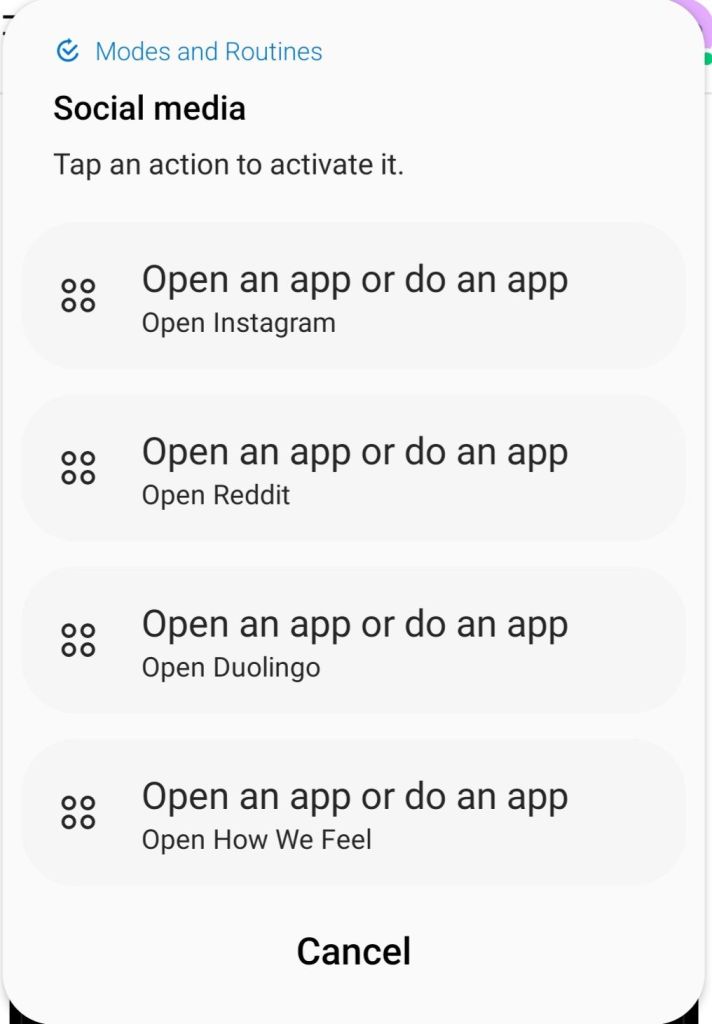
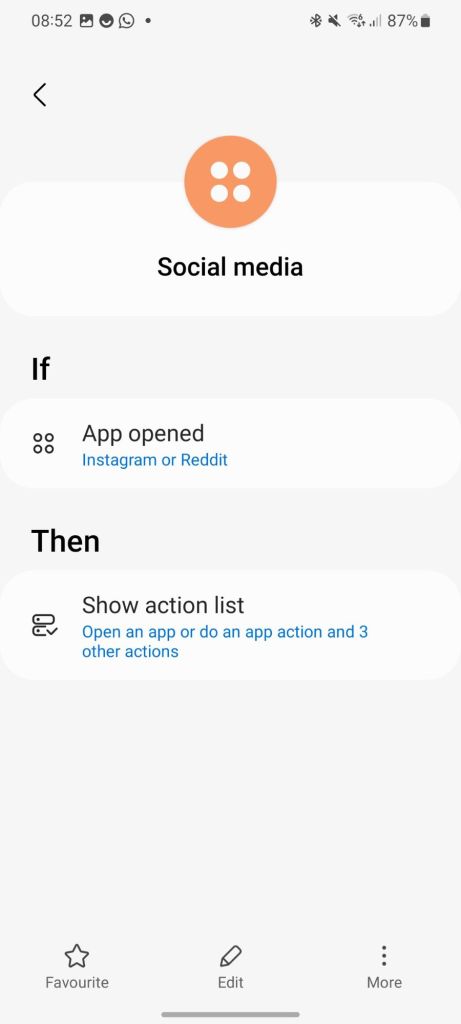
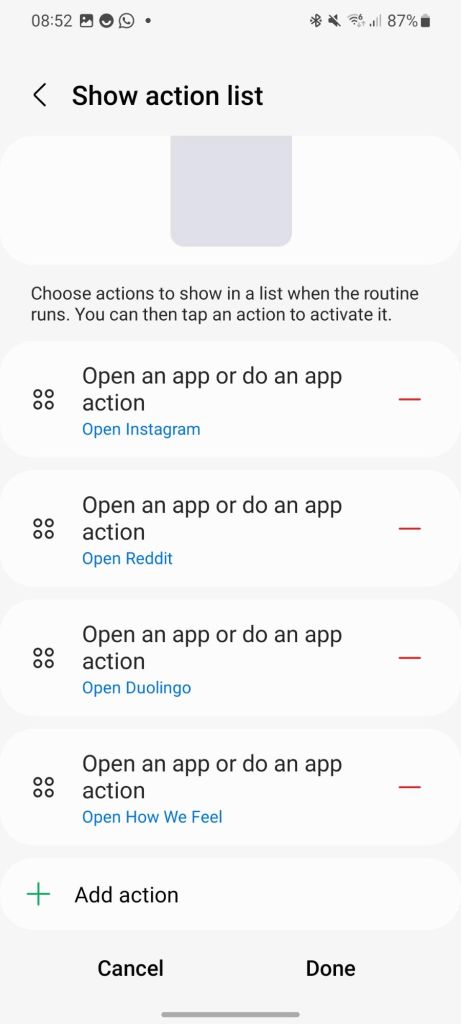
On Samsung phones, and on iPhones and other Androids, you can set up modes and routines to activate when certain conditions are met. On my Samsung S20, I’ve set it up so that, whenever I open Instagram or Reddit, I’m presented with a series of options:
- Open Instagram
- Open Reddit
- Open How We Feel (mindfulness app)
- Open Duolingo
It gives me a quick reminder of what I’m doing and to consider whether I’d rather open a different app that would be a more productive use of my time. If I still want to use social media? Sure, the option is there. Or, sometimes I’ll think that I don’t want to be mindful, or that I don’t want to practice learning Spanish with Super Duolingo, so maybe that means that I don’t actually want to doom scroll for 20 minutes.
It gives me a chance to rethink and reassess what I’m about to do, and sometimes, that’s enough.
Level 3: One Sec
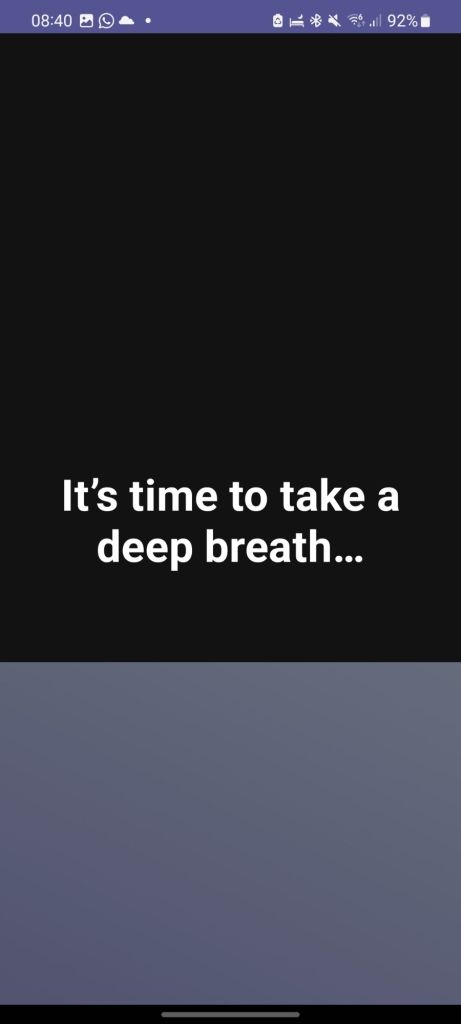
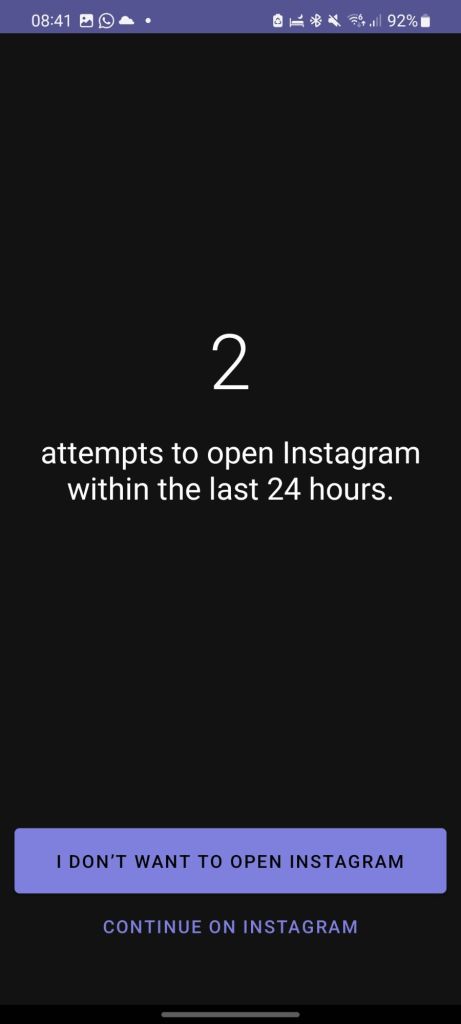
I’d heard about One Sec so many times, but I’d never given it a go until recently. The idea behind this one is that you choose an app that you want to limit the screen time of and add it to a black list of sorts. Whenever you open that app, One Sec will open first and ask you to take a deep breath and to wait a few seconds, before giving you the option to open the app anyway, or to close it.
The premium version lets you choose as many apps as you want. I’ve set up the free version with just the one app: instagram, because I find that I’m most at risk of doom scrolling there (I blame the addictive Reels). If you choose to make it to level 3 and install an app like One Sec, select the app that you struggle with the most and limit that one.
Final thoughts
I understand it’s not always a case of cutting out social media leading to more productivity. Life isn’t always that simple. Sometimes you might scroll Reddit for 30 seconds while waiting for you friend to tie their shoes – and I’m not advocating for cutting social media out completely either. I’ve tried that before, and sooner rather than later, you end up cracking. You end up redownloading all the apps, without any blockers on, and doom scroll the night away.
What these 3 levels are trying to do is limit the amount of time that you’re spending on social media, rather than cutting it out entirely. However, if you’re happy with the amount of time that you’re spending on social media, there might be nothing that you need to change. If you take anything away from this post, though, maybe take a look at your screen time stats to find out whether the amount of time you’re spending in your apps is actually a problem for you.
If you liked that, why not read…
- Reclaim your evenings: A Busy Teacher’s Guide to Healthy Meal prep
- 16 incredible books to read in 2026
- How to actually achieve your goals in 2026: The Anti-Resolution toolkit
- The First 90 Days: How to survive (and thrive) as a new Head of History
- 7 Brutal Questions to Course-Correct your Life before 2026
 Hardly Hamilton
6 thoughts on “Three levels to stop your social media addiction”