It’s been a minute.
For a productivity powerhouse that’s organised my life for the better part of 9 years, I’ve not spoken about my Bullet Journal in quite some time. There’s a very simple reason for that:
Nothing’s changed. And that’s a good thing.
I cannot tell you the sheer number of videos that I’ve watched about various productivity systems. I compiled my own complete productivity system not too long ago because there’s a problem with the vast majority of the self-proclaimed productivity YouTubers: their systems don’t work.
Obviously I’m generalising here. I’ve learned so much from creators like Thomas Frank, Ali Abdaal and Matt D’Avela, and would really recommend checking them out. I’ve also learned a lot from productivity books like Atomic Habits and the 5am Club, or the 7 Habits of Highly Effective People. In spite of all of this great advice, I’ve still not changed the main way in which my life is organised in just about everything: my Bullet Journal.
If you don’t know by now, the Bullet Journal was first created by Ryder Carroll as a way to help with his ADHD. At its simplest, the Bullet Journal presents a record of all of the things that you need to do in a day, week, or month, and helps you to reprioritise when needed. Pinterest will have you think that everybody makes their Bullet Journal into a creative masterpiece, but I’ve tried that – and it doesn’t work.
What does work is its record-keeping functionality. It’s kept me from being a disorganised mess, dramatically cutting the amount of time that it takes me to get things done. I really would be lost without it.
For the first time, here’s a breakdown of my entire Bullet Journal, from start to finish. Why not take note of what I do so that you can triple your productivity too? I’ve included lots of links to the original articles that I’ve written about each section of my Bullet Journal to give you even more detail if you need it when creating your own Bullet Journal.

Intentional Bullet Journalling
Before you even think about starting a Bullet Journal, you need to be intentional. Why are you Bullet Journalling? What’s your priority? Are you using it as a creative outlet? Or is it just to record your daily tasks? Here’s a checklist to work through as you create your own Bullet Journal:
- Have a reason for what you’re doing (don’t just do it)
- Don’t waste time making your BuJo look pretty (it’s for you, not others!)
- Do waste time making your BuJo look pretty (if that makes you happy, and you enjoy it, then why not?)
- Think about each task before it gets committed to paper (do you have to do it? Really?)
- Keep priority lists (a daily, weekly and monthly)
- Migrate every task that you commit to paper but haven’t had time to complete (and if you cross it off, consider: why did I want to do this in the first place?)
Where do you journal best?
My favourite place to Bullet Journal is in a physical space. It gives me a dedicated space to track my thoughts and tasks for the day ahead and means that I don’t need to worry about charging anything.
When I did try a digital Bullet Journal on OneNote, it was great for syncing all of my notes regardless of where I was accessing them from, but I often, quite simply, could not be bothered to get my iPad out to tick off a to-do list, despite it being very satisfying getting to check-off each task.
That being said, when I did a direct comparison of OneNote and my physical Bullet Journal, I did really enjoy not having to carry multiple note books with me – so have a go with both and see which form factor you prefer.

Minimalist machine
I used to call myself a minimalist, but after suffering criticism from friends about being a maximalist, I changed my title into an internationalist; I like to have things, but I have a reason for all the of the things that I have.
My thoughts haven’t changed in my Bullet Journal, though. I’m a minimalist through and through. I’m intentional with every single part of my BuJo and have seriously stripped it back. I used to track the weather and how much water I was drinking.
…why?
In my opinion, you should just stick whatever you need in your Bullet Journal. Don’t overcomplicate it.
Long-term planning
Every six months, I use the batching technique to setup all of my Bullet Journal pages at once. This saves me from doing little bits at a time and gives me an opportunity for a little bit of mindfulness, for just 15 minutes or so.
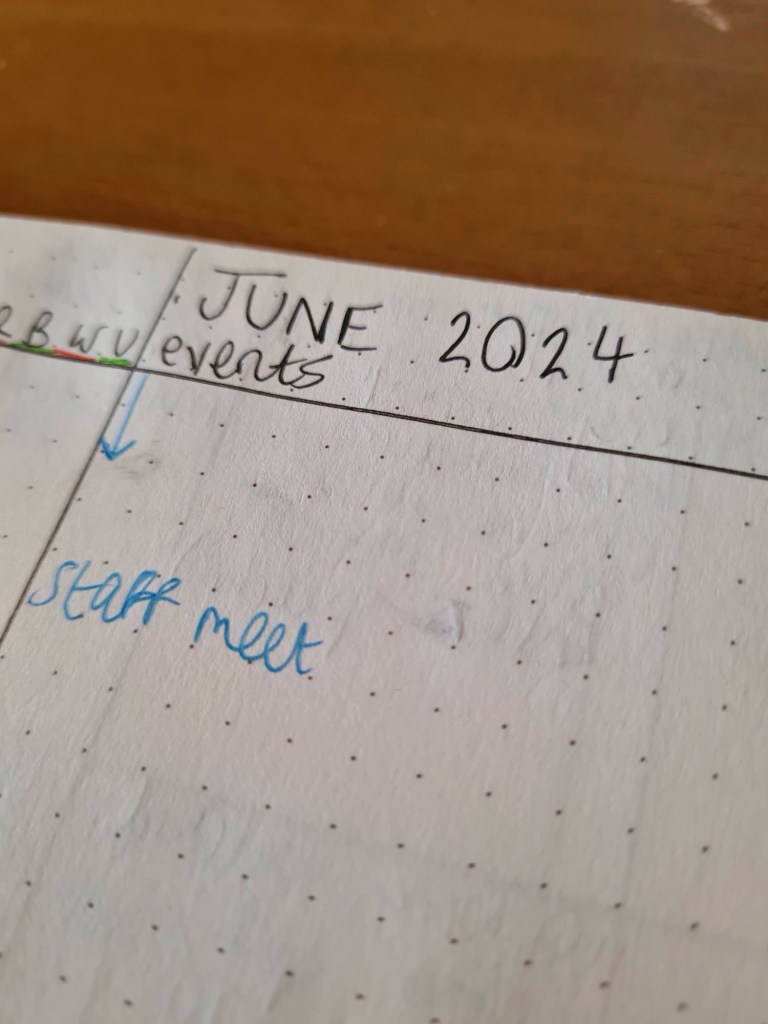
One of the more important page-types is the calendar. It works just like my Google Calendar, which I usually rely on, but having all of my events listed in one place is great for keeping me aware of what’s going on every day.
I use different colours to track what is a work event and what’s a personal event to make it clear at a glance. I used to sort tasks into four different colours, such as when any bills were due but, following my minimalist mindset, also decided that this was far too much effort.
Keeping a long-term view, though, is crucial for having a good sense of what’s going on in the coming month.
A daily diary
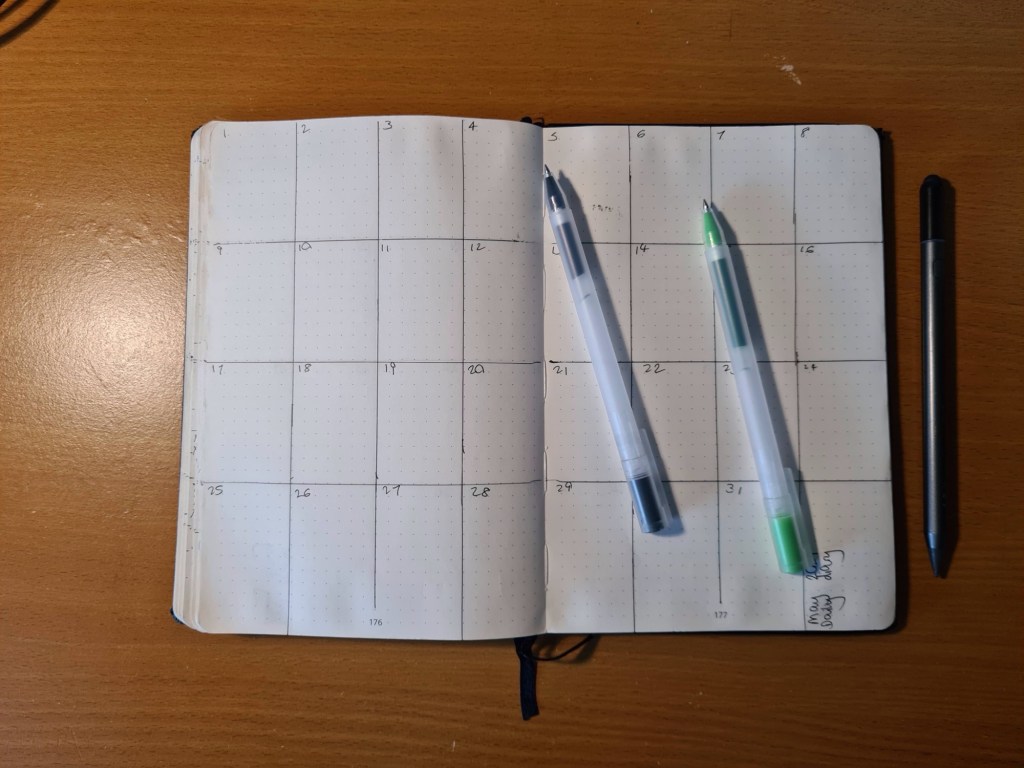
This first section might not be the most useful, but it is by far the most important part of my Bullet Journal and has remained a constant since I first started using them nine years ago.
The Daily Diary is a way for me to track absolutely everything that I’ve ever done in just a sentence or two. It’s a good reminder of every one of my days and was invaluable when the UK was plunged into Lockdown four years ago, where every day felt very similar to the last.
The Daily Diary takes little time to set up and requires just two pages per month. Update this one at the start or end of every day before you forget about all of the exciting things that you got up to.
Meal planning
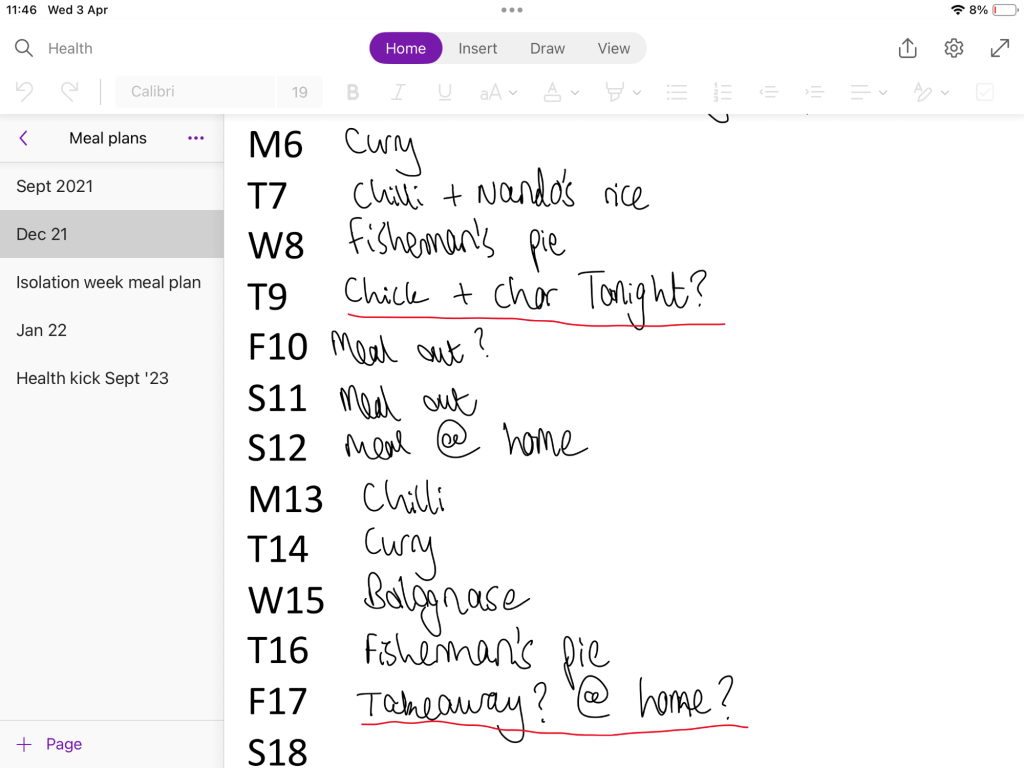
I’ve shifted this section to OneNote because I preferred the flexibility of editing in a digital space, but I started with meal planning in my Bullet Journal. It doesn’t really matter where you plan your meals, but it’s important that you do for a few reasons:
- You’ll be organised when you go for a weekly Big Shop and won’t overspend.
- You’ll get in from work every day and won’t even need to think about what you’re cooking, since Past You decided on that a while ago.
Habit tracker
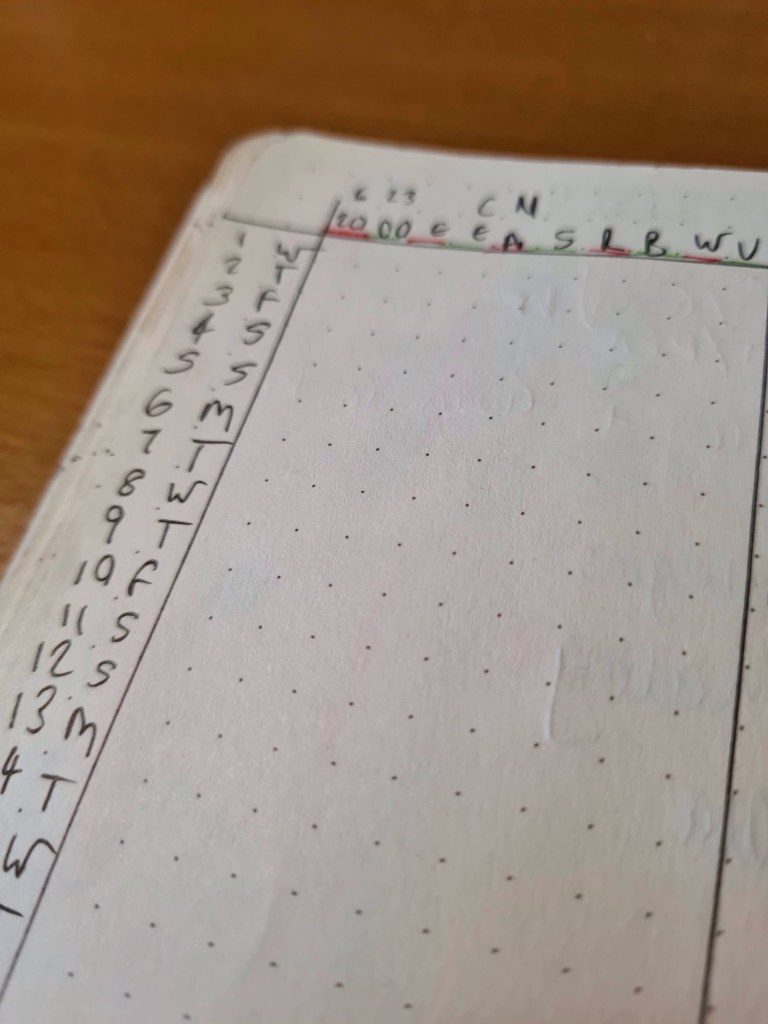
Every month, I track my habit in two colours: red and green.
The colours don’t actually mean anything, they just make the pages look nice. What’s really useful is ensuring that I keep doing the things that I want to do everyday, like writing, reading, exercising and clean eating to meet my fitness goals. The small bit of colouring-in sets off that hit of dopamine every morning as I track the things that I did the day before.
I used to always track my monthly goals here too, but have since shifted those into weekly goals to stay more on top of the things I need to do.
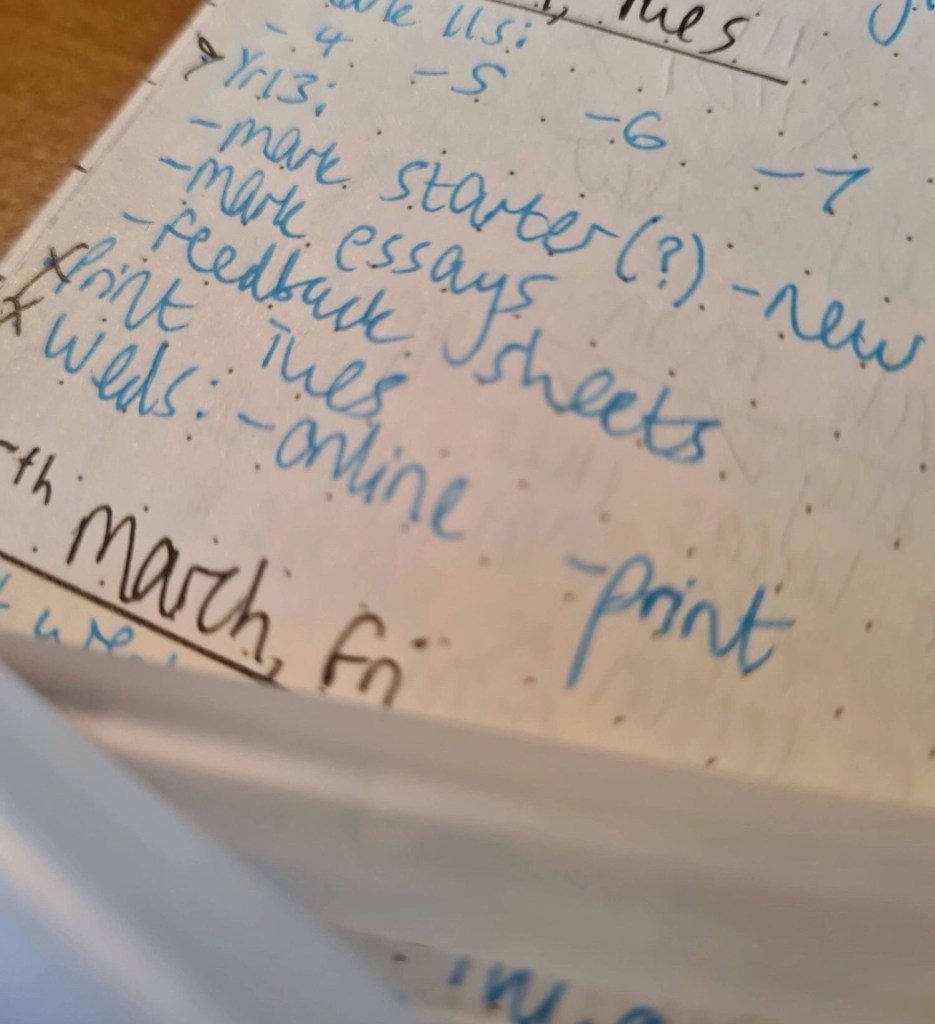
Daily to-do
This is the crux of the Bullet Journal: a place for all of your tasks. It needn’t be complicated if you just want to record your tasks; you could just write it all down in various places. I see a lot of colleagues doing that all the time, but if I did, it’d keep my brain scattered, especially if my lists went for a walk.
Having a place in my Bullet Journal that’s dedicated to everything that I need to do in a day is an absolute life-saver. Any tasks that you complete, you can cross off; anything that you decide not to do, draw a single line through; anything that you want to do on a later date, put a less than sign (>) to the left of the task.
At the start of the week, you can also record everything you want to do and ration out tasks to each day to keep you from getting overwhelmed.
Exercise tracker
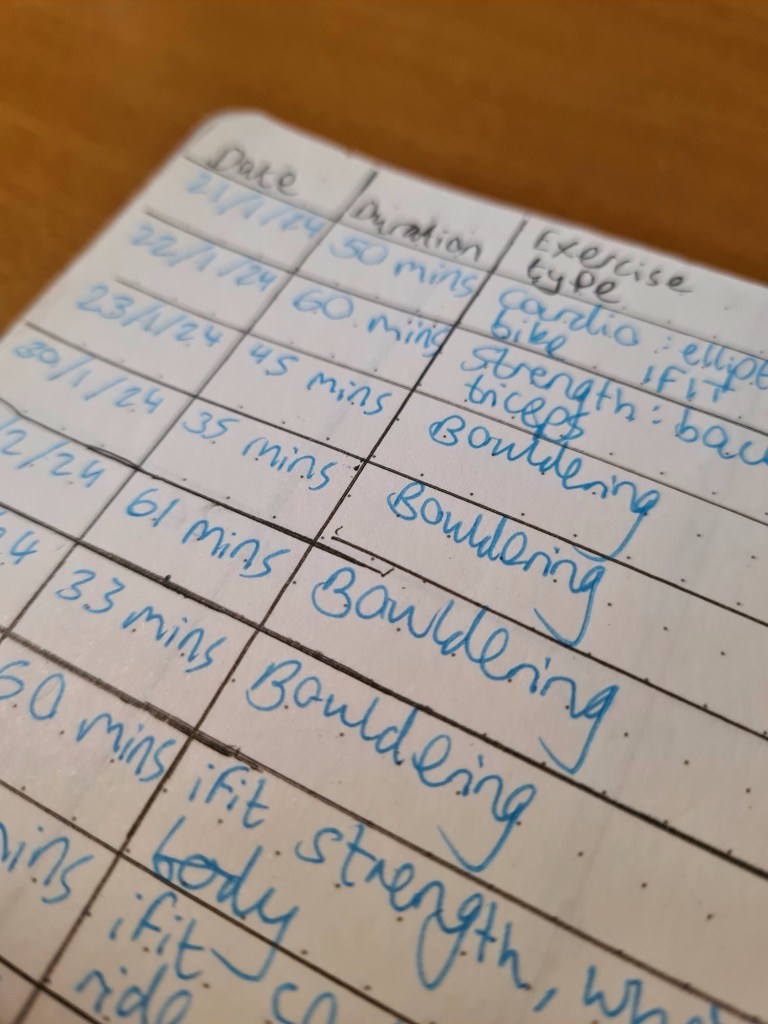
I desperately, desperately wanted to come up with as many ways that I could to encourage myself to keep up my various exercise habits. So, the most recent addition to my Bullet Journal has been an exercise tracker that tells me what I’ve done, when I did it, for how long and if I had any highlights.
I keep these really simple. If I’ve been climbing, it might be that I did a really cool swing. If I’ve had a Taekwondo lesson, maybe I finally did 4 flying spin kicks in a row.
It doesn’t really matter what the highlight is. What matters is recording something that I really enjoyed at the time to encourage me to do it again and again and again. It’s all about building healthy habits.
That’s it, my whole productivity system in a nutshell. Do whatever you want to copy and paste this into your Bullet Journal to create something that works for you. What does your Bullet Journal look like? How do you stay organised? Let me know in the comments below.
- Reclaim your evenings: A Busy Teacher’s Guide to Healthy Meal prep
- 16 incredible books to read in 2026
- How to actually achieve your goals in 2026: The Anti-Resolution toolkit
- The First 90 Days: How to survive (and thrive) as a new Head of History
- 7 Brutal Questions to Course-Correct your Life before 2026
 Hardly Hamilton
7 thoughts on “How a Bullet Journal tripled my productivity”