Artificial intelligence feels as if it’s taking over the world. From its quick rise to prominence in 2022, ChatGPT seemed to capture nearly all of our attentions, and quickly Big Companies all over have been following suit. Meta has its own AI; Google has upgrade Assistant to Gemini; Microsoft is using CoPilot; even Snapchat is trying its hand at artificial intelligence.
I know this because I’ve had to mark a few answers written by Snapchat when grading homework, so the stark reality of the new software has already reared its ugly head into my classroom.
With that being said, I also think that AI is incredibly useful. Personally, I use it wherever possible to speed up any mundane jobs that need doing. Often there will be a piece of text that I’d like students to answer questions about, so I ask ChatGPT to make those questions, I QA them to ensure they’re not a load of gibberish, and then pose them to the students. How is that any different to me spending 10 minutes designing the questions myself?
I’ve done the same with designing Google Form knowledge checks – ask ChatGPT to create questions appropriate for the year group they’re being designed for, upload the text, ask for 4 answers with 1 of them being correct, 10 questions total – and it works. If you want more detail on how I use AI in the classroom, click here.
Seeing this success, I had a go at using it with this very blog. What would it be like to create an entire blog post using AI, I wondered. So, about a year ago, I tried just that. From start to finish, I asked ChatGPT to brainstorm topics based on my niche, uploaded some real examples of my work, and asked it to replicate that across about 1000 words.
The result?
Not great.
It barely created 500 words, sounded unbelievably fake, and not fit for purpose, so I scrapped the idea. I still use AI for brainstorming ideas, but the rest of it – the creative process – I stuck to myself. If anything, it’s because that’s the whole reason that I have a blog – because I enjoy sharing my writing online. I even dedicated a whole post to the ethics of AI, which you can read here.
Now, imagine my surprise when I saw that one of my favourite YouTubers, Ali Abdaal, had designed an app specifically for using AI to help creators to outline – keyword here is outline – content. I couldn’t resist; I simply had to try it.
Read on to find out how it went and whether I’d recommend VoicePal for bloggers like you, and for a link that’ll get you an exclusive 10% off.
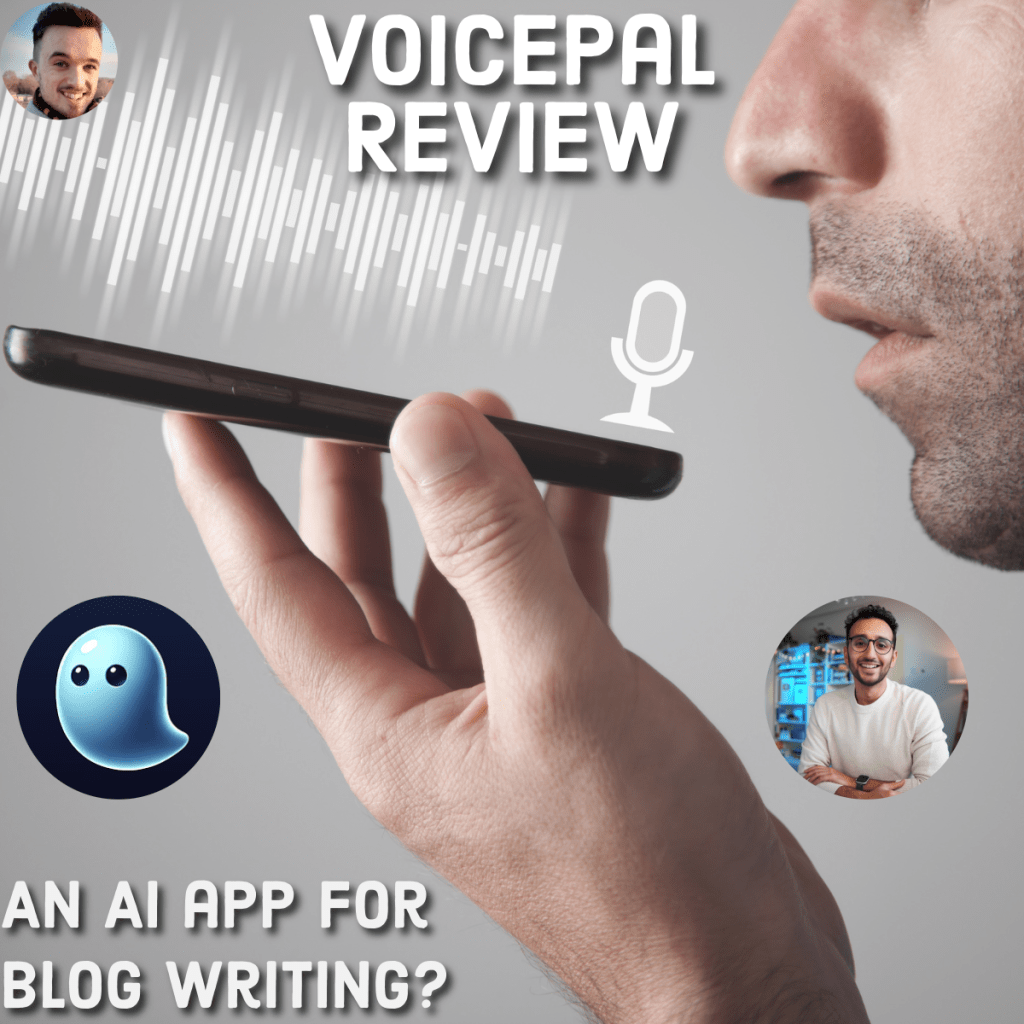
How does VoicePal work?
Unlike other AI, VoicePal is focused on incorporating the creator’s voice. It’s advertised as a ghostwriter in your pocket. So, when I experimented with ChatGPT to produce blog posts, I added as much contextual information as possible to make it produce content that was going to try to replicate my voice.
You can imagine my disappoint when it didn’t work.
So when I heard about VoicePal, I was a little hesitant.
VoicePal works a little differently. When you open the app, you can immediately start speaking into your microphone. The app will record your voice and transcribe what you’re saying. From there, it’ll ask you some follow-up questions.
Sorry, what?
Follow-up questions. The AI is learning. Very cool.
You can choose to answer one of their follow-up questions with the purpose being that you’re being prompted to explore on and expand your ideas.
Fascinating. It’s not trying to write it for you from scratch or from a one-sentence prompt, but instead helping you to get through writers’ block. This is something that, if you’re a blogger, you will have absolutely struggled with at some point. Having a piece of technology to help you there could be invaluable.
But the question remains:
Does VoicePal work?
In the 24 hours that I had access to the premium features of the app, I had time to use it for outlining two of my posts, which I’ve since posted. They underwent some edits and SEO-optimisation, and I also pasted in some backlinks to help the post to gain traction.
I’ve linked them below for you to read as examples:
Strategies for balancing work and life
I tried orange-tinted glasses for 30 days to improve my sleep
To create these posts, I went through the whole process of speaking into my phone and expanding on my ideas. Then, it gave me the option to generate a first draft – and you can do this for a newsletter, blog post, Youtube script, or anything else, really. And, well, there it was.
But before doing any of that, I was able to add little tid-bits of contextual information, detailing the general demographics of my readership. You can do this on ChatGPT, too, to better tailor your creations to your intended readers.
Now, was this first draft anything that I’d have felt comfortable with posting? Absolutely not.
Yet, for 5 minutes of work, this process produced a pretty good first draft of around 800 words. I then spent another 20 minutes redrafting and adding more content that I’d not thought about before, before editing and uploading to the site, following my usual process.
So, overall, impressed.
The verdict
At £7.99 a month, you’ll have to consider just how much you’ll be using VoicePal. Personally, I think that it’s a bargain for what turned out to be a really useful app. To get 10% off, use my referral link.
That being said, I’ve actually not yet invested any more time or money in the app. The free version only gives you 24-hour access to try it out and, I was thinking this the other day; I’ve not actually thought about VoicePal since my trial ended. And yet, the idea of walking to the gym or the shops and drafting out a blog post is really appealing to me, so it’s something I’d love to turn into a habit.
I’ll be getting VoicePal in the future, but when that happens is yet to be seen.
Will you be getting VoicePal? Or have you tried out something similar? I’d love to hear your experiences in the comments below.
If you liked that, you’ll love…
- Reclaim your evenings: A Busy Teacher’s Guide to Healthy Meal prep
- 16 incredible books to read in 2026
- How to actually achieve your goals in 2026: The Anti-Resolution toolkit
- The First 90 Days: How to survive (and thrive) as a new Head of History
- 7 Brutal Questions to Course-Correct your Life before 2026
While you’re here, why not follow my socials?
 Hardly Hamilton
Thanks for your insight to this product. Your voice feels real and I’m glad I read your opinion.
LikeLike
I also learnt about VoicePal after listening to Ali Abdaal. I have to say, I have never experienced anything like it before and was instantly hooked. However I do suffer from, “the next shiny thing syndrome” so decided to play with the free ChatGPT for comparison. I like both but I am leaning toward purchasing VP (for some of the reasons you mentioned in your post). On a side note, I wasn’t really expecting much when I asked google about VoicePal vs ChatGPT and so was pleasantly surprised when your post came up. Thanks for sharing your thoughts 🙂
LikeLike
At least as of now, VoicePal has a free tier so you can use it more to see if it’s really worth the monthly subscription. I really like the idea of using time (while walking to/from school – I’m a teacher) to get ideas uploaded and see where that takes me. So, thanks for the review. I’m sure other readers would like an update if you decide to try VoicePal again.
LikeLiked by 1 person
Absolutely, definitely try before you buy. I’d like to try it for lesson planning at some point to see whether it’s a feasible tool in my professional workflow, so I’ll post an update when that happens. Thanks for the suggestion!
LikeLike