We all know that, in today’s fast-moving world, productivity is paramount. We all want to ensure that our work is as optimised as possible to ensure that we can spend less time doing the boring things and more time doing what really matters to us.
The space in which you work is key to maximising that productivity and getting things done faster. By optimising your environment so that it works for you, we’ll be creating a space that promotes productivity and happiness.
And, really, what could be more important than that?
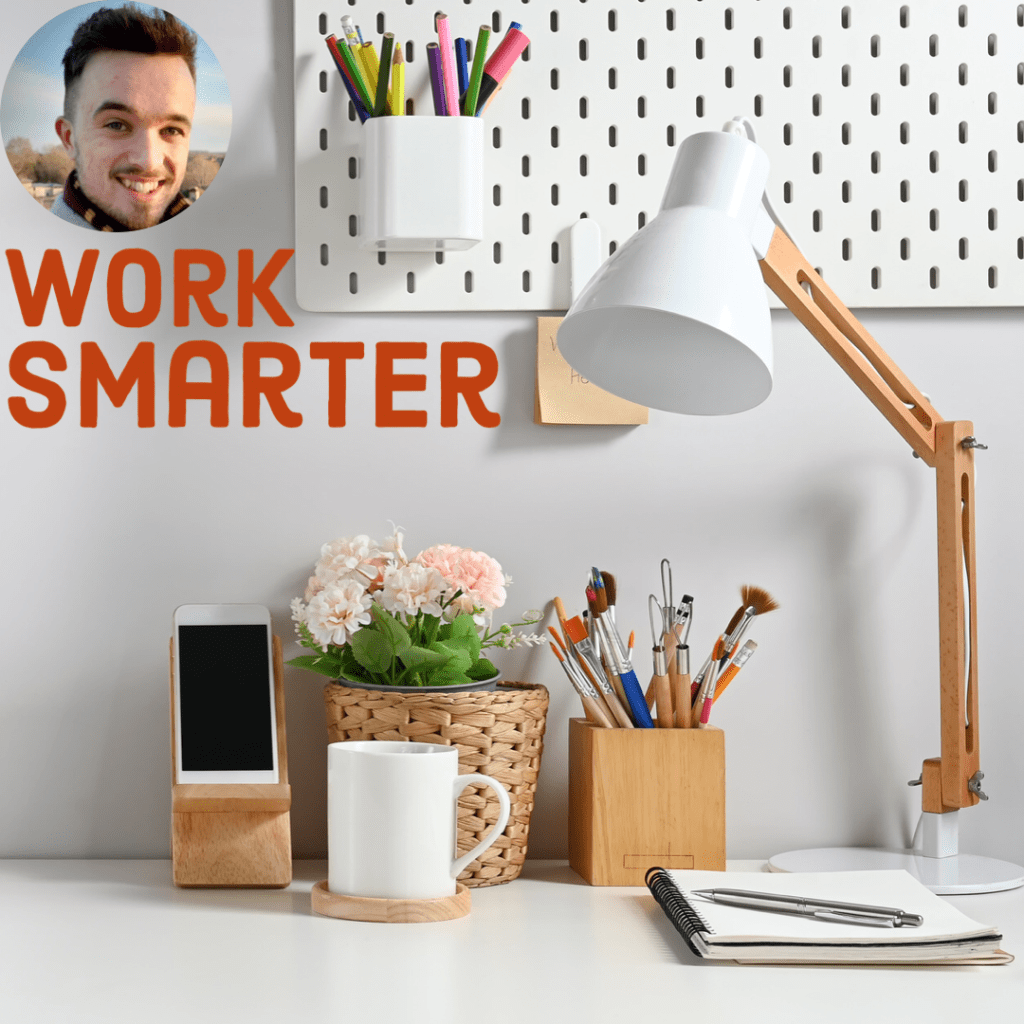
Declutter your space
I think we’re all guilty of this one: an untidy space is an untidy mind. Chances are, you’re going to need to throw out a thing or two before the real workspace optimisation can begin. So, start by decluttering your environment. Eliminate any distractions and create a clear, focused, calm environment. Get rid of anything that either doesn’t spark joy, as recommended by Marie Kondo, or anything that doesn’t keep you organised. To check out Marie Kondo’s seminal text, click here. #ad
A really easy way to keep yourself organised is by investing in shelves, drawers and organisers that keep your essentials well maintained and neatly organised. Working in a clutter-free space will allow you to concentrate on the task at hand and promote deep work without other things taking up your time.
The Second Brain
Like most young professionals, you probably have a lot going on. Whether you’re dealing with childcare responsibilities or a wide workload, it doesn’t make sense to keep everything in your head.
Here’s where the Second Brain comes in.
A Second Brain is a system that allows you to better organise all of your notes. If you’re a student, it might be the Google Docs that you record all of your lecture notes in. If you’re a parent, you might put your meal plans and shopping lists on the fridge as a reminder. If you’re a teacher, you might put all of your lesson plans in a book.
I have a few Second Brains. I record everything that I need in OneNote, in a Bullet Journal, and in my Teacher Planner, but it doesn’t matter where it’s recorded, since the process remains the same; you’re simply writing something down so that you won’t need to remember it later on. Your brain is for coming up with new, creative ideas, after all – not for memorising them all.
By setting up a Second Brain, you’re giving yourself more space at work to think more creatively. Wherever it is that you choose to write things down, just make sure that you keep it all organised.
All about the ergonomics
Why are ergonomics important? Well, for starters, if you’re sat at a cool, uncomfortable desk, in a flashy, cramped, chair, you’re setting yourself up for disaster. You won’t feel ready for proper, deep, work, and you’ll give up before you’ve even started.
Secondly, a poor desk setup is just plain bad for you. If you’re sitting there for most of the day, your back will start to hate you. Here’s what you need to focus on in your desk setup, and why. I’ve included #ads with each accessory so that I get a little kickback from Amazon if you click through using my link, but realistically you could get these from anywhere:
- A decent chair, for supporting your spine. I recently tried the Herman Miller and loved it because it pretty much contorted to my spine. You should look into your specific requirements, and see if you can try one before buying, since they are pretty expensive, but click here if you’d like your own Herman Miller chair! (Sadly not an ad)
- A standing desk. For years I’d only used a standard desk, but that Herman Miller that I tried came equipped with a standing desk, and it was absolutely incredible the difference that using one made. It meant that I could take meetings without sitting down and, if I got bored of one working position, I could opt for another. Click here to see if you’d be interested in one.
- A treadmill. A wild card, I know, but I don’t mean an actual normal treadmill that you’d see at the gym. Instead, get the standing desk and pop one of these underneath to catch up on the steps that you’d otherwise miss out on while on the daily grind.
- Keyboard + mouse + wrist support. I’m using this basic Dell keyboard and have combined it with this inexpensive wrist support for an ideal combination. The wrist support isn’t something that I ever felt was necessary…until owning one. Good lord, does it make a difference to your workspace. If I’m typing all day then, yeah, I’d much rather have something to lean on.
The keyboard is pretty basic, but I’d love a mechanical one – if I were to get one, I’d go for the one linked here.
The mouse, however, really makes a difference. I’ve opted for a Logitech MX Master 2 after seeing so many great Youtube video reviews. If you’ve got tiny hands then the mouse that comes with the keyboard will do you, but for fellow big-handed folks like me, you should consider trying one. If anything, you’ll appreciate the overload of buttons available on the side of the mouse.
I could go on about ergonomics all day, so sound off in the comments if you’d like a full post dedicated to building the most ergonomic setup possible, since there’s so much that I’m yet to cover. Building a more ergonomic desk setup won’t just make you more productive, it’ll help to promote health and wellness too.
Personalisation
Copying other people’s desk setups is just plain boring. I created one a couple of years ago which you can take a look at, though it’s probably in need of updating now. Maybe use it for inspiration as you start to find your niche, but consider adding trinkets and gizmos as long as they don’t take up too much space after you’ve decluttered.
I love having plants nearby on my windowsill, though you might prefer these within eyesight if they promote wellness for you. Either way, incorporate elements that reflect your interests and passions. Maybe display some artwork behind your desk; I know I’d love to do this when I become a homeowner.
Personalising your workspace will create a welcoming environment that you’ll feel comfortable working in, rather than a space of fear and dread. No Sunday Scaries over here, please.
The development zone
If you’ve not already, get on this one pronto: organise your workspace into distinct zones based on what you’ll be doing where. Right now, I’m not doing very well with following my own advice. My PlayStation 3, Nintendo Switch, and work computer, are all together on the same desk, side-by-side. Oops. I’m doing that to save space, but I’d love to one day have a spare room for a dedicated office space.
That way, I’d be able to clearly separate work from play. All of my essential work bits and pieces would be within reaching distance and I’d enhance my focus by remaining distraction free. Equally, once I’m done for the day, I’d be able to slam the door shut on the office space and enjoy a video game or a book during some down time, fully finished, following the 9-5.
You workspace is more than just a physical location: it’s a state of mind that we go to to get things done. To get the most done as efficiently as possible (and thereby giving us more time on the fun things), we need to optimise our workspaces, both mentally and physically. What do you do to get things done quicker? I’d love it if you could share your desk setups in the comments below.
If you’d liked that, you’ll love…
- Reclaim your evenings: A Busy Teacher’s Guide to Healthy Meal prep
- 16 incredible books to read in 2026
- How to actually achieve your goals in 2026: The Anti-Resolution toolkit
- The First 90 Days: How to survive (and thrive) as a new Head of History
- 7 Brutal Questions to Course-Correct your Life before 2026
Follow my socials!
 Hardly Hamilton
3 thoughts on “Transform your workspace and maximise your productivity”